
A school flyer becomes a calendar event in seconds
Parentr centralizes family life, school events, sports practices, tasks, and parent groups, in one app. Its differentiator is the Smart Scanner: AI that turns a photo of any flyer, email, or chat into a ready-to-save event. Built in 4 months on Flutter and Firebase.
Parentr is a mobile app that brings the organization of family life into one place: school events, sports practices, tasks, and communication between parents. Instead of another calendar bolted onto the chaos, it’s a shared coordination layer built for the way families actually receive information.
Its product differentiator is the Smart Scanner: an AI feature that converts a simple screenshot or photo of a flyer, email, or message into a complete, ready-to-use calendar event, without the parent typing a single field.
The app was built in 4 months on Flutter and Firebase, leaning on managed services (Firebase, Google Cloud Vision) rather than custom AI infrastructure. That let the team spend its time where trust in the automation is actually won: the user experience and the confirmation flow.
- Product
- Parentr — family organization app
- Platform
- iOS & Android (Flutter)
- Backend
- Firebase (auth, realtime DB, storage)
- AI / OCR
- Google Cloud Vision
- Timeline
- 4 months (idea → functional app)
- Compliance
- GDPR · COPPA · CCPA
Family information arrives as photos, not data.
Parents get their kids’ activity information from scattered, unstructured sources: photos of school bulletin boards, PDFs attached to emails, WhatsApp screenshots, paper flyers snapped with a phone. Turning that into an actionable event, with the correct date, time, and place, is manual, repetitive, error-prone work, repeated dozens of times a month for every child.
The goal was to eliminate that manual step entirely, using AI to read and interpret any image containing event information and turn it directly into a structured record inside the app, so a parent can capture something the moment they receive it, standing at the school door or scrolling a group chat, instead of postponing it and losing the detail.
AI that removes the most tedious step: typing it all in
What We Built
Smart Scanner
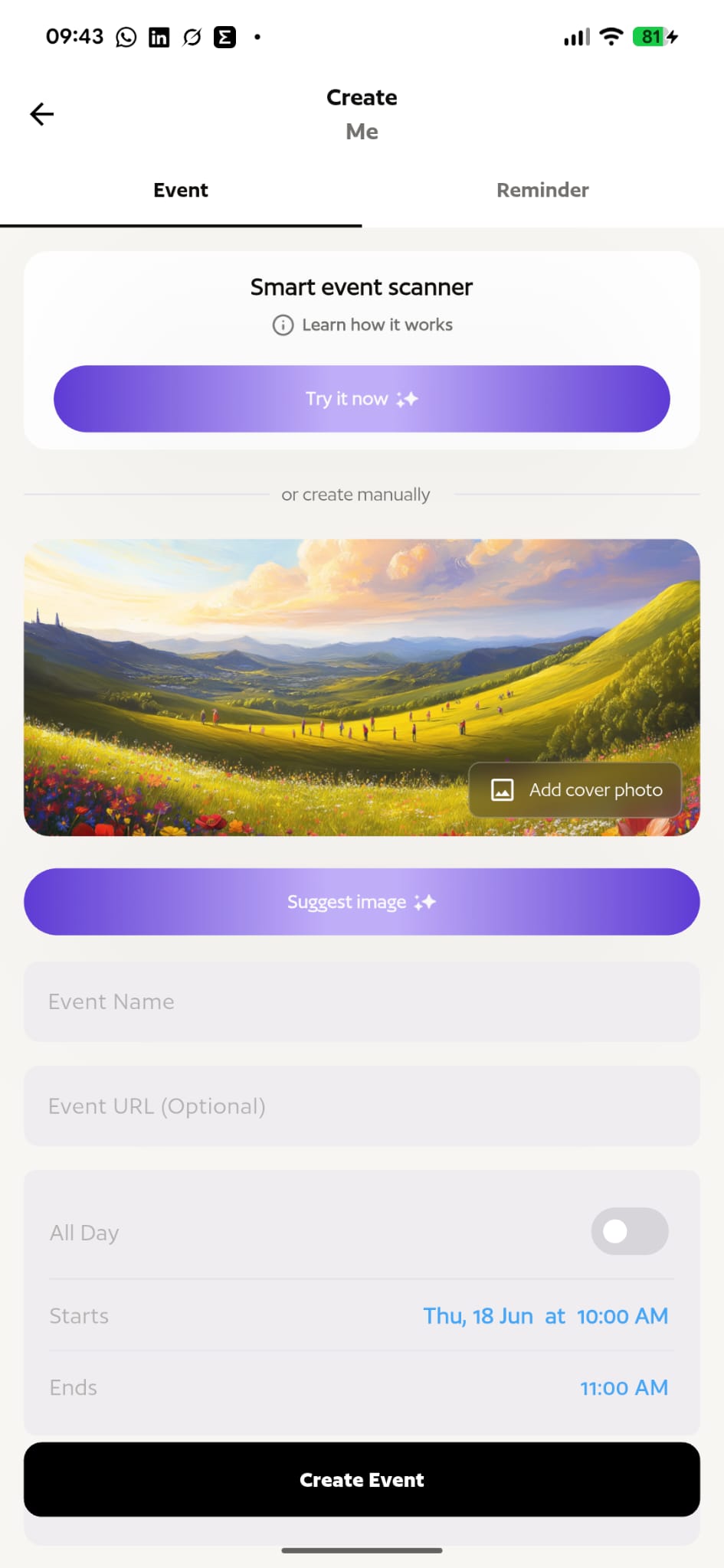
The product’s core AI feature. Snap a photo or paste a screenshot of any source, a school flyer, an email, a WhatsApp chat, a bulletin board, and the app extracts the date, time, place, title, and description automatically, then generates a pre-filled event draft. No typing required.
Google Cloud Vision OCR
Text extraction is built on Google Cloud Vision, chosen for its accuracy with printed and handwritten text in low-quality images: photos of bulletin boards, compressed screenshots, flyers snapped in a hurry at the school door.
Editable Drafts, No Silent Saves
Because OCR is never perfect, the flow always presents the event as an editable draft and never saves automatically in the background. The parent reviews and confirms with a single tap, or adjusts any field first. Designing for the error is what earns trust in the automation.
Groups, Tasks & Chat
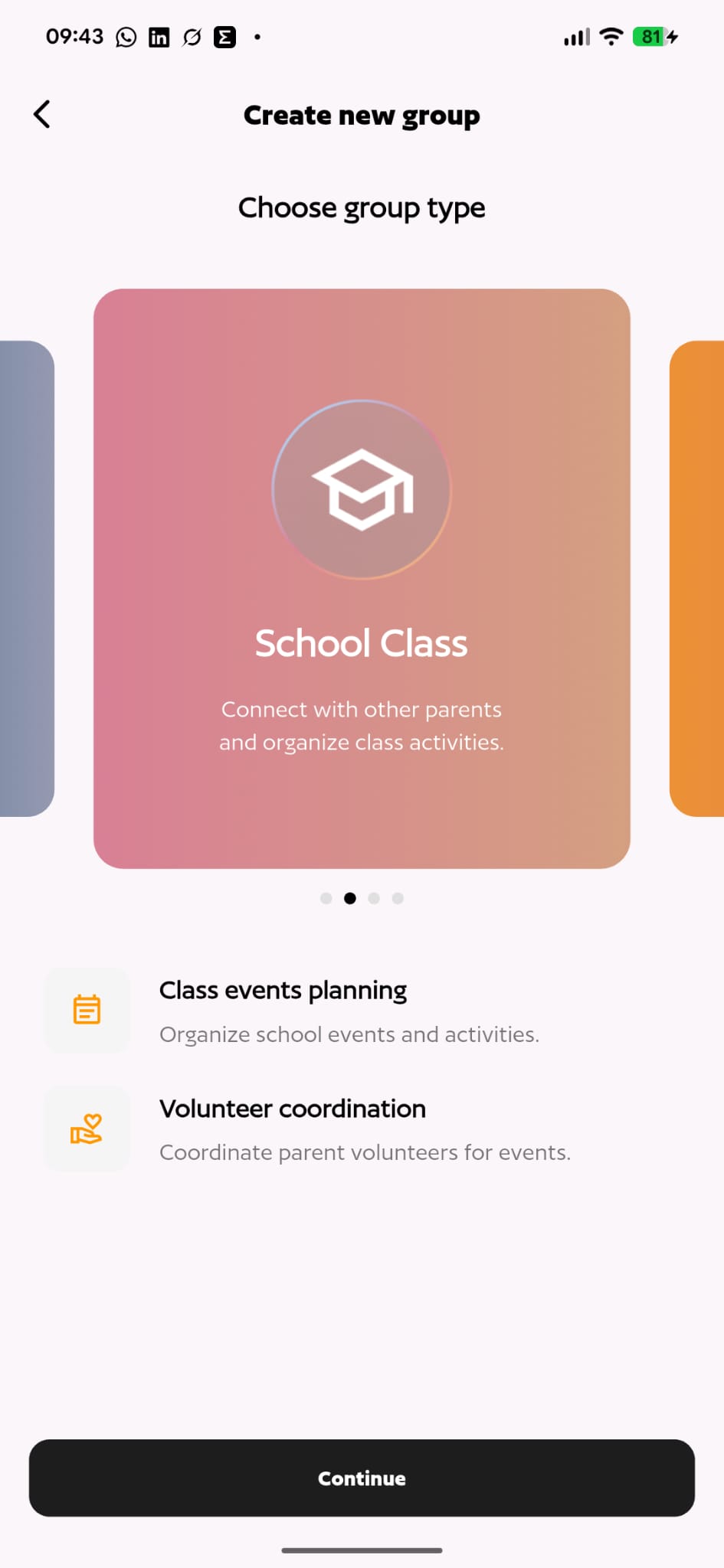
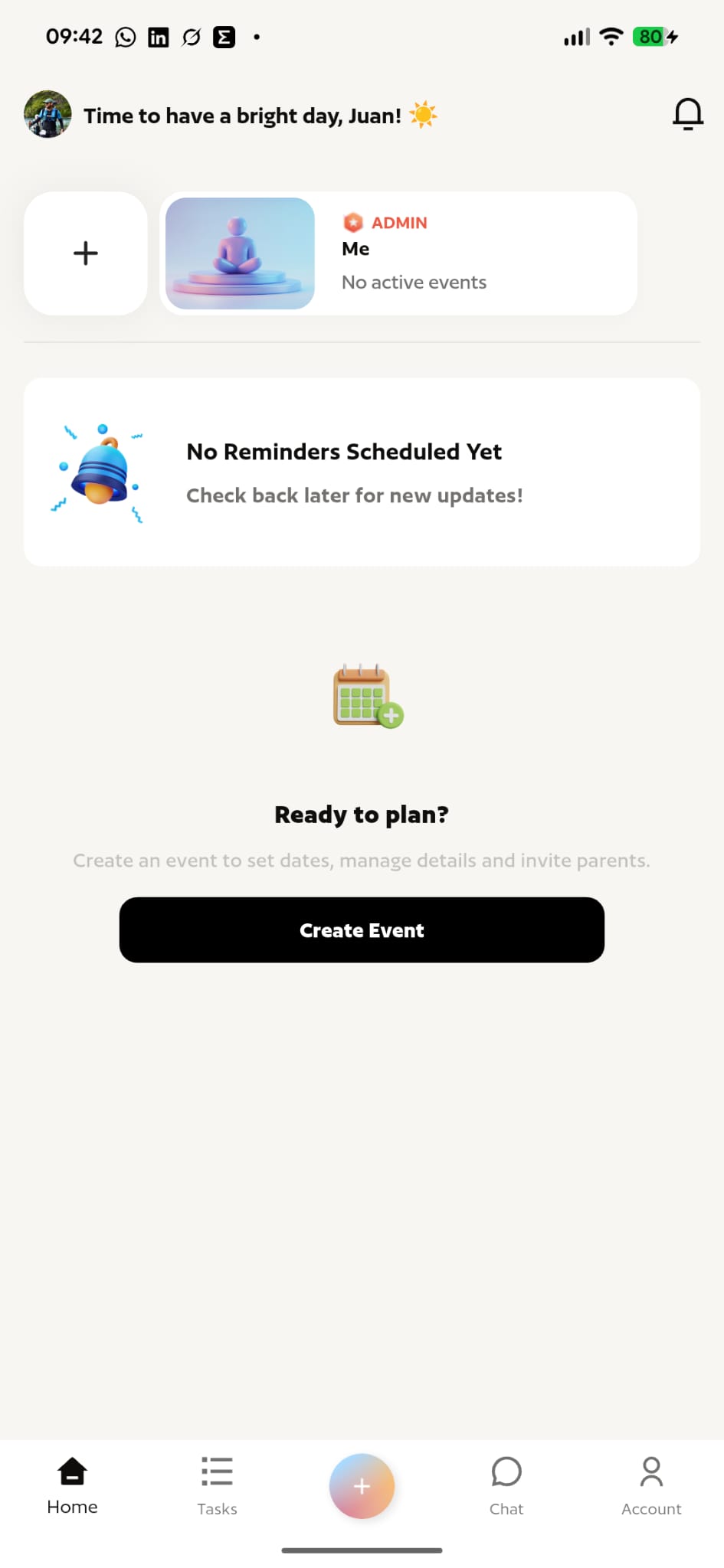
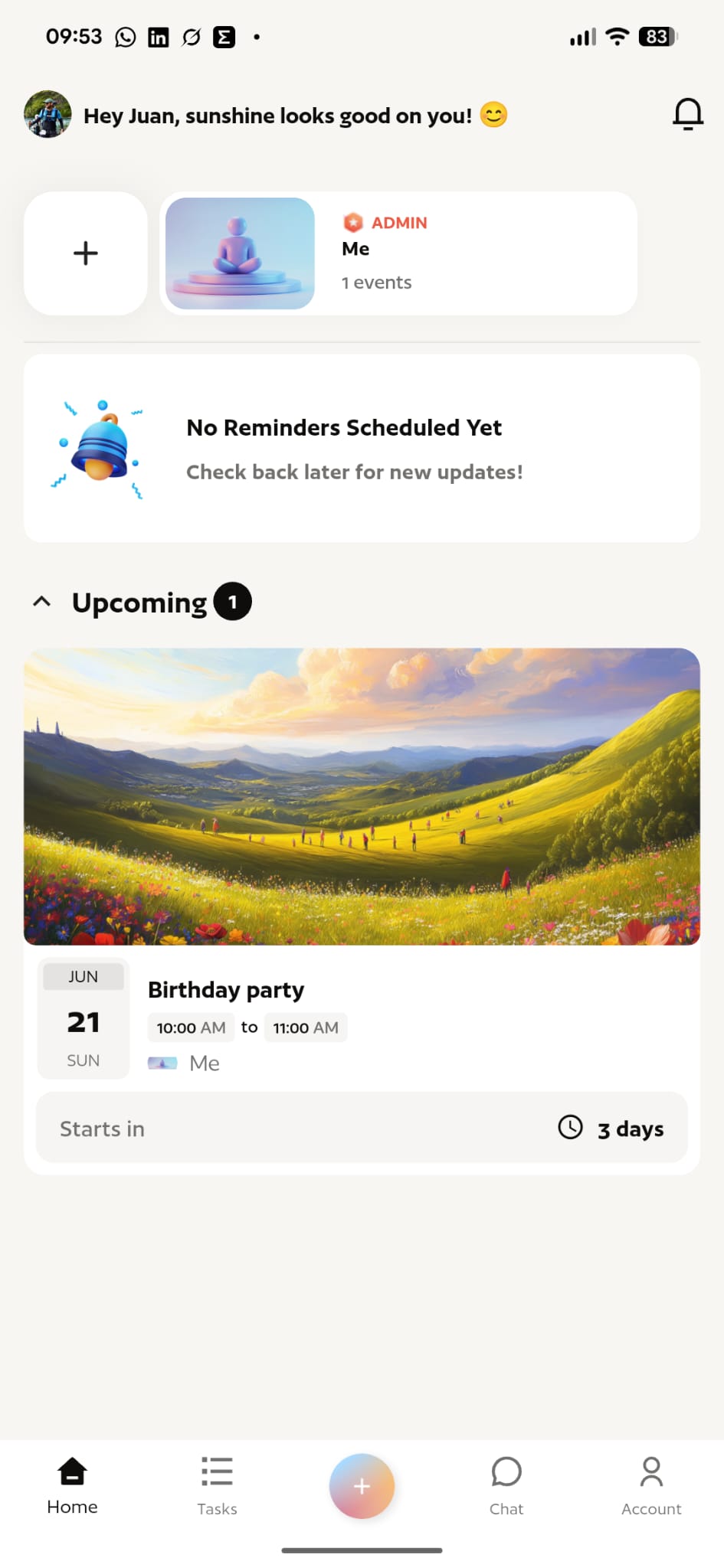
Beyond scanning, Parentr is a shared family organizer: class and team groups (school class, sports, and more), volunteer coordination, a task list, group chat, reminders, and an events feed keep every parent on the same page.
Parentr Pro
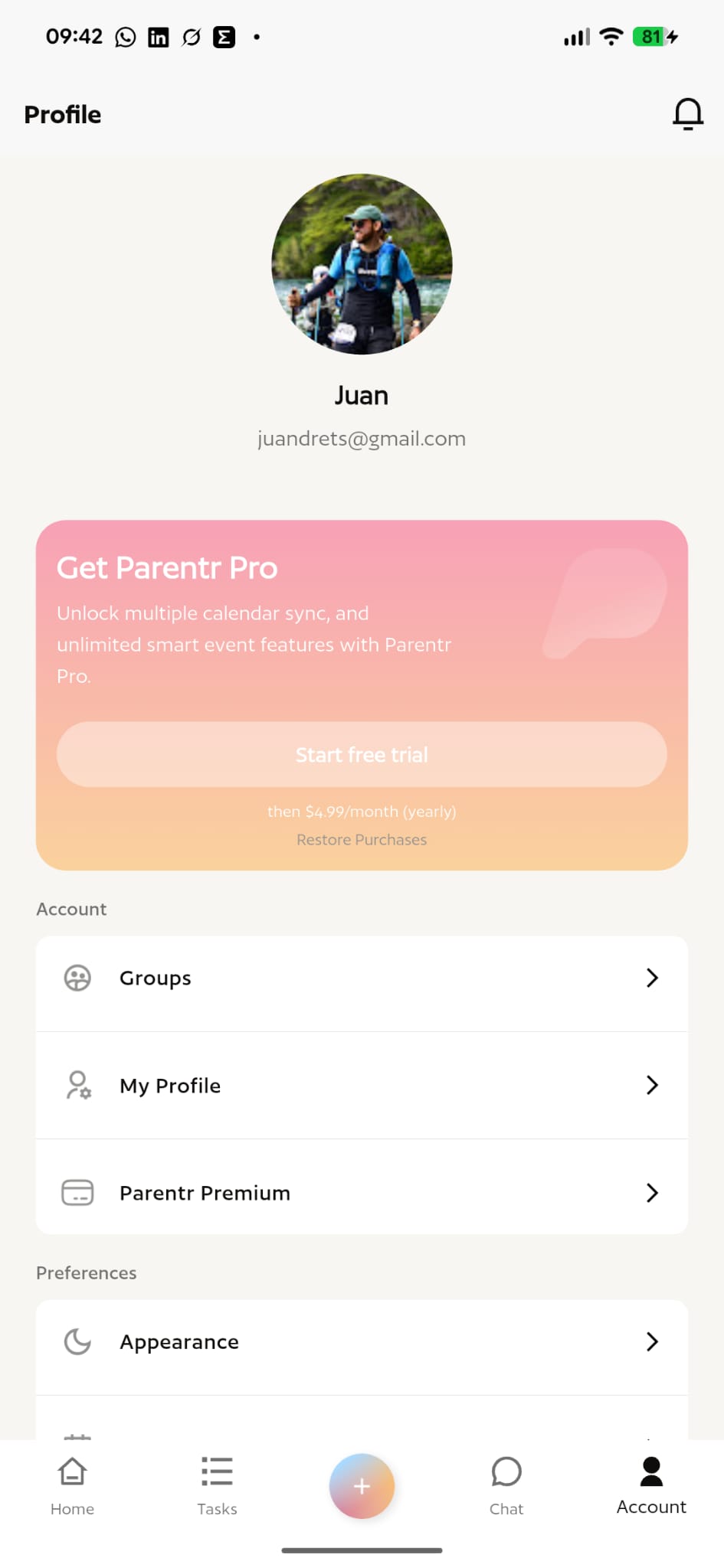
A subscription tier that unlocks multiple-calendar sync and unlimited smart-event features, turning the core organizer into a full family command center for households juggling several kids and activities.
Without Smart Scanner
Manual- Read the flyer or email and transcribe every field by hand
- Copy the date, time, place and description one at a time
- Create the event manually in the calendar
- 2–4 minutes per event
With Smart Scanner
AI- Snap a photo or paste a screenshot
- OCR + parsing extract date, time, place and title automatically
- Event pre-filled, ready to confirm with one tap
- Under 15 seconds per event
AI aimed at friction, not flash
Results & Takeaways
From idea to a functional app with an AI feature as its core differentiator, built by a small team
To capture an event, down from 2–4 minutes of manual entry: the friction drop that drives daily use
Built on Firebase and Google Cloud Vision instead of custom AI infrastructure, so effort went into UX
Image processing involving minors’ data handled under strict privacy compliance from day one
“AI created more product value by removing an invisible friction step, data entry, than it would have by powering a flashier but less-used feature.”
Project takeaway · Parentr